Burp Suite can be overwhelming at first — the endless HTTP requests and the sheer number of tabs and settings often confuse beginners. I was no exception.
Using scope can be especially helpful if you have multiple tabs open in your browser. It allows you to browse other websites while targeting a specific one in Burp Suite.
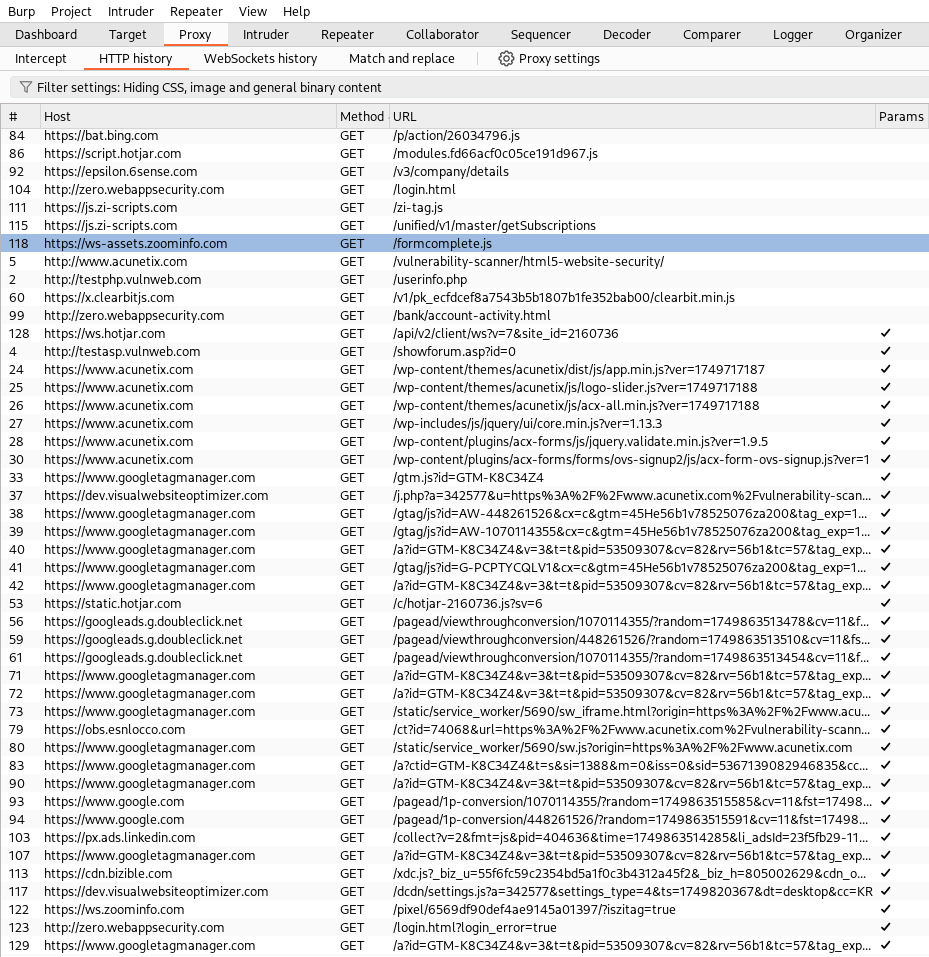
In the above example, you can see there are tons of requests. You probably don’t want unnecessary ones getting in your way.

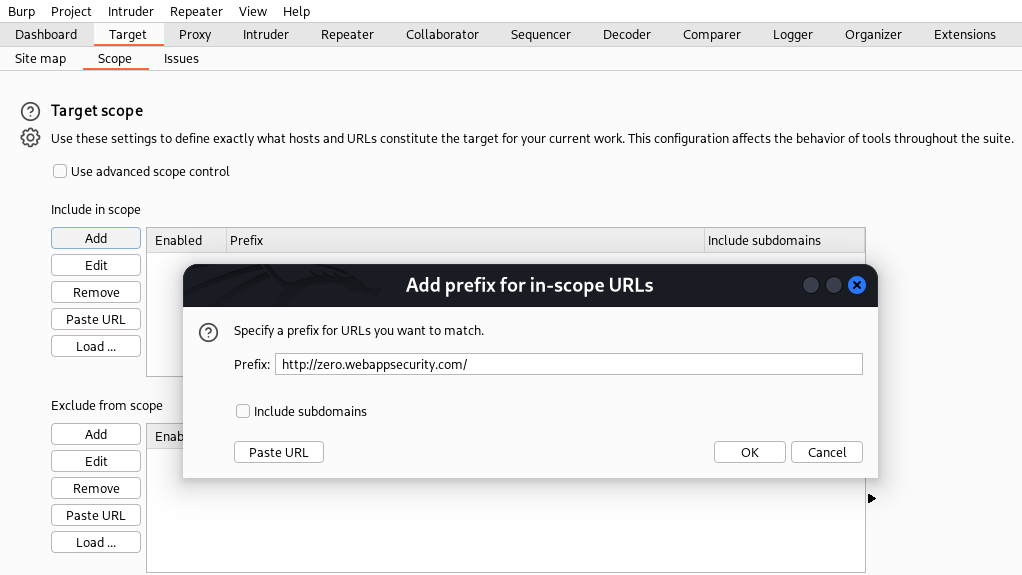
If you’re visiting multiple websites but only targeting a few, you can define your scope in Burp Suite under the “Target” tab. You can also set the scope by right-clicking on a request and selecting “Add to scope.”
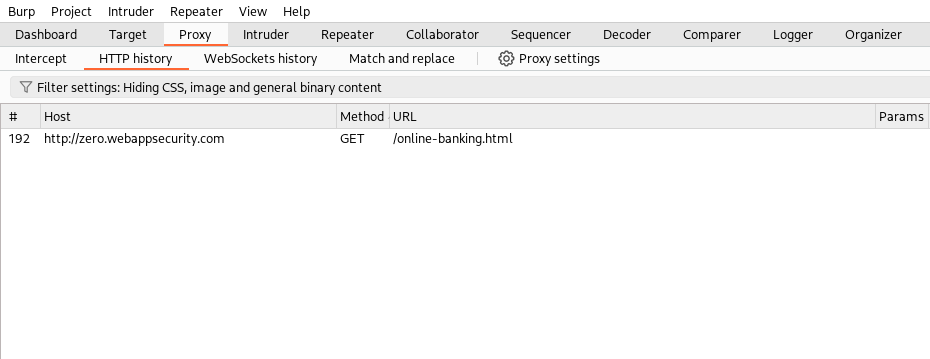
Now that you’ve set the scope in Burp Suite, other webpages are no longer logged in the history. You’re free to Google, use ChatGPT, or browse the web without cluttering your logs
 APIPEN